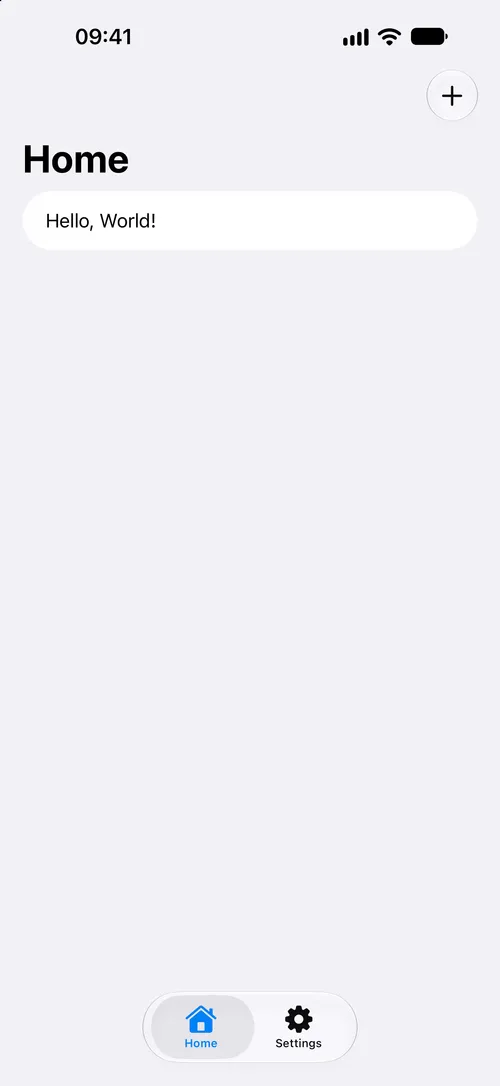
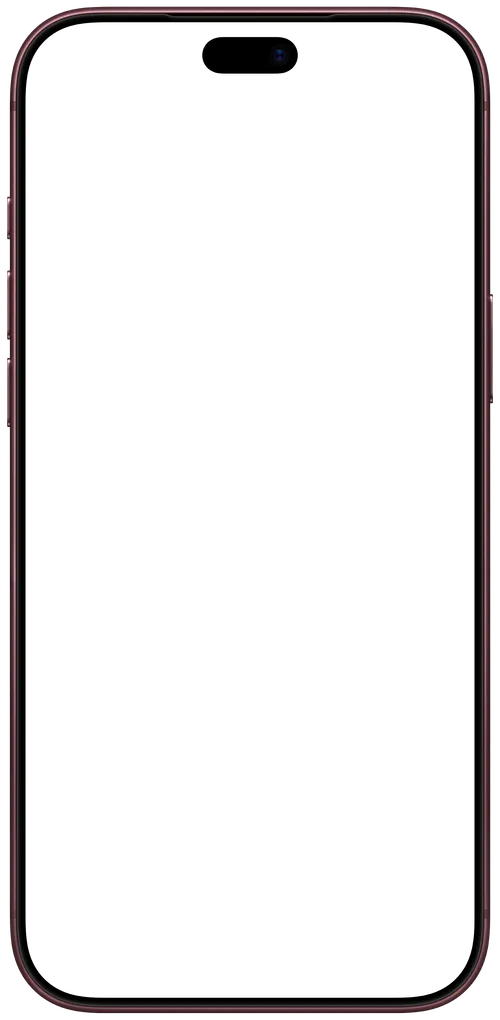
This component displays an app screenshot inside an iPhone frame. You can add clickable areas to switch between screens. Try the Home and Settings tabs below.
Usage
<IPhonePreview initialScreenshot={home} alt="Home screen" />

<IPhonePreview
  model="iPhoneDuo"
  initialScreenshot={duoScreenshot}
  alt="App on iPhone Duo"
/>
Supported models are iPhone18ProMax (the default, Burgundy) and iPhoneDuo (Night Sky, inner screen open in portrait). Each model uses its own frame, screen mask, screen bounds, and display width. Use a screenshot matching the selected screen’s aspect ratio to avoid cropping; screenshots fill the screen with object-fit: cover.
Props
| Prop | Type | Required | Description |
|---|---|---|---|
model | "iPhone18ProMax" | "iPhoneDuo" | No | Device frame to display. Defaults to "iPhone18ProMax". |
initialScreenshot | ImageMetadata | Yes | The first screenshot to display. |
alt | string | Yes | Alternative text for the first screenshot. |
loading | "eager" | "lazy" | No | Image loading strategy. Defaults to "lazy"; use "eager" for a preview visible on initial load. |
hotspots | Hotspot[] | No | Clickable areas that switch between screenshots. Defaults to an empty array. |
Hotspot
Positions and sizes are percentages of the screen bounds. For example, x: 50 starts halfway across the screen.
| Field | Type | Required | Description |
|---|---|---|---|
x | number | Yes | Distance from the left edge of the screen. |
y | number | Yes | Distance from the top edge of the screen. |
width | number | Yes | Width of the clickable area. |
height | number | Yes | Height of the clickable area. |
label | string | Yes | Accessible name for the button. |
to | ImageMetadata | Yes | Screenshot to display after clicking. |
alt | string | Yes | Alternative text for the target screenshot. |
from | ImageMetadata | No | Screenshot on which the area is active. Defaults to initialScreenshot. |
Adding a model
Generate a screen mask and bounds from a transparent bezel image:
node scripts/bezel-mask.mjs path/to/bezel.png path/to/bezel-mask.pngThe script creates a mask and a JSON file with the screen bounds. The image must have a closed transparent screen area containing its center. Add the bezel, mask, and bounds to src/utils/iphonePreviewModels.ts, along with a maxWidth (CSS display width) and imageWidth (generated image width in pixels). The model prop automatically accepts the new configuration key. Hotspot coordinates remain relative to the selected model’s screen bounds.